These free umrah tools are designed to be used on your phone before and during your journey. Each one does one job well — planning your days, finding your Miqat, counting your rounds, packing your bag or finding the right dua — and none of them needs an account.

All umrah tools

Umrah Trip Planner: Build Your Day-by-Day Itinerary
Choose your nights in Makkah and Madinah, the order of cities and who is travelling — the umrah trip planner builds a day-by-day outline in seconds.
Read more
Miqat Finder: Where to Enter Ihram on Your Route
Select how you are travelling to Makkah and the miqat finder shows the Miqat on your route, its distance from Makkah and when to be ready in ihram.
Read more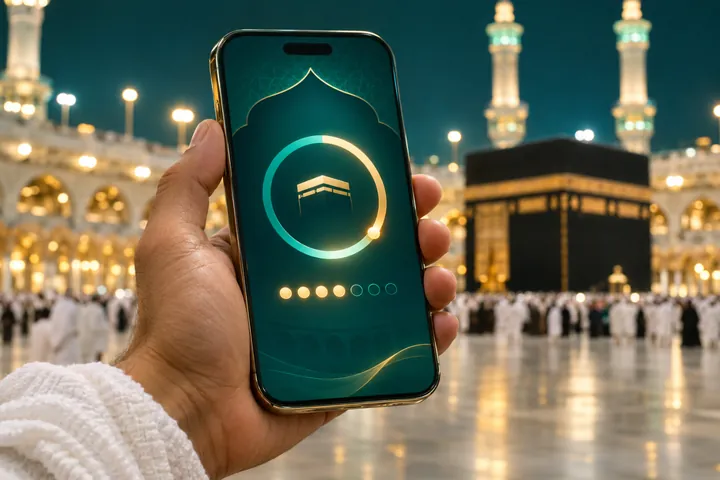
Tawaf Counter and Sa‘i Lap Counter
A big-button tawaf counter and sa‘i lap counter for your phone — tap once per round so you can focus on your dua instead of keeping count.
Read more
Umrah Checklist: Interactive Packing List
Tick items off as you pack. This interactive umrah checklist covers documents, ihram, health, worship and practical essentials, and saves your progress on this device.
Read more
Hajj Route Finder: How to Register From Your Country
Hajj registration works differently in every country. Use the hajj route finder to see the official route where you live and the next steps for Hajj 2027.
Read more
Ramadan Countdown 2027 and Hajj Countdown
A live ramadan countdown to the expected start of Ramadan 1448, with countdowns to the Day of Arafah and Eid al-Adha 2027.
Read more
Dua Finder: What to Read at Each Step of Umrah and Hajj
Filter by stage or search by name. The dua finder shows the Arabic, transliteration, meaning and source of each supplication for Umrah and Hajj.
Read more
Ihram Checker: What Is Allowed and Not Allowed in Ihram
Search common actions in the ihram checker to see whether they are allowed in ihram, with short explanations for men and women.
Read moreHow to use our umrah tools on the journey
Before you book
Use the trip planner and Ramadan countdown to choose dates, then send your plan for a tailored quote.
Two weeks before
Work through the packing checklist and read the ihram checker.
On the plane
Use the Miqat finder so you are ready in ihram before the announcement.
In Makkah
Open the tawaf and sa‘i counter and the dua finder during your Umrah.
Our umrah tools sit alongside our step-by-step guides. For permits and official services, use the Nusuk app.
Why we built these umrah tools
Pilgrims kept asking us the same practical questions: how many nights to spend in each city, where exactly to put on ihram, what to read between Safa and Marwah, and what to pack. Each of these umrah tools answers one of those questions in the simplest possible way, so you can focus on worship rather than logistics.
Every tool works in your browser. The checklist and counter save progress on your own device, nothing is sent to us unless you request a quote, and the religious content is drawn from the Qur’an and well-known hadith collections, with sources shown.
Which umrah tools should I use first?
Start with the trip planner to choose your dates and split your nights, then work through the packing checklist two weeks before you fly. On the day of travel, open the Miqat finder; in Makkah, keep the tawaf counter and dua finder on your home screen.
Tailored quoteTell us your dates, city and hotel preferencesOne short form, a personalised Umrah or Hajj proposal from our travel team — no obligation.Request my quote →Umrah tools: frequently asked questions
Are the tools free?
Yes, every tool is free and needs no sign-up.
Do the tools store my data?
The checklist and counter save progress only on your own device. Nothing is sent to us unless you submit a quote request.
Do the tools work offline?
Once a tool has loaded, it keeps working without a connection.