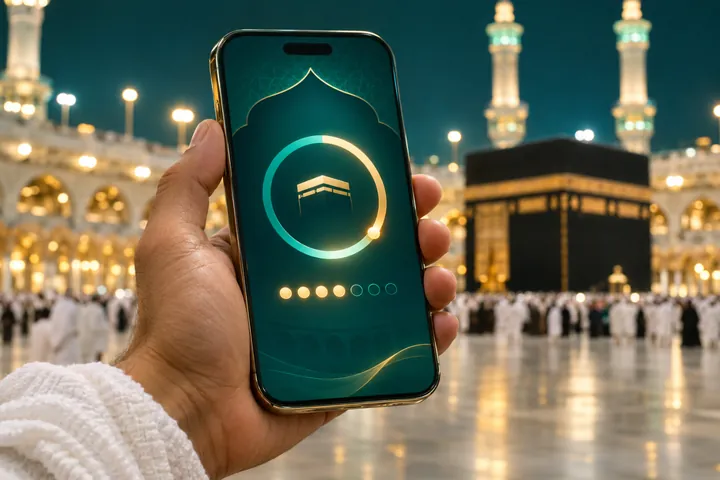
The Nusuk app is the official Saudi platform pilgrims use to book Umrah permits, reserve a visit to the Rawdah in Masjid an-Nabawi and manage parts of their journey. This article explains how to set up your profile, book permits and avoid the most common problems. Features change, so always follow the latest guidance in the app and on nusuk.sa.
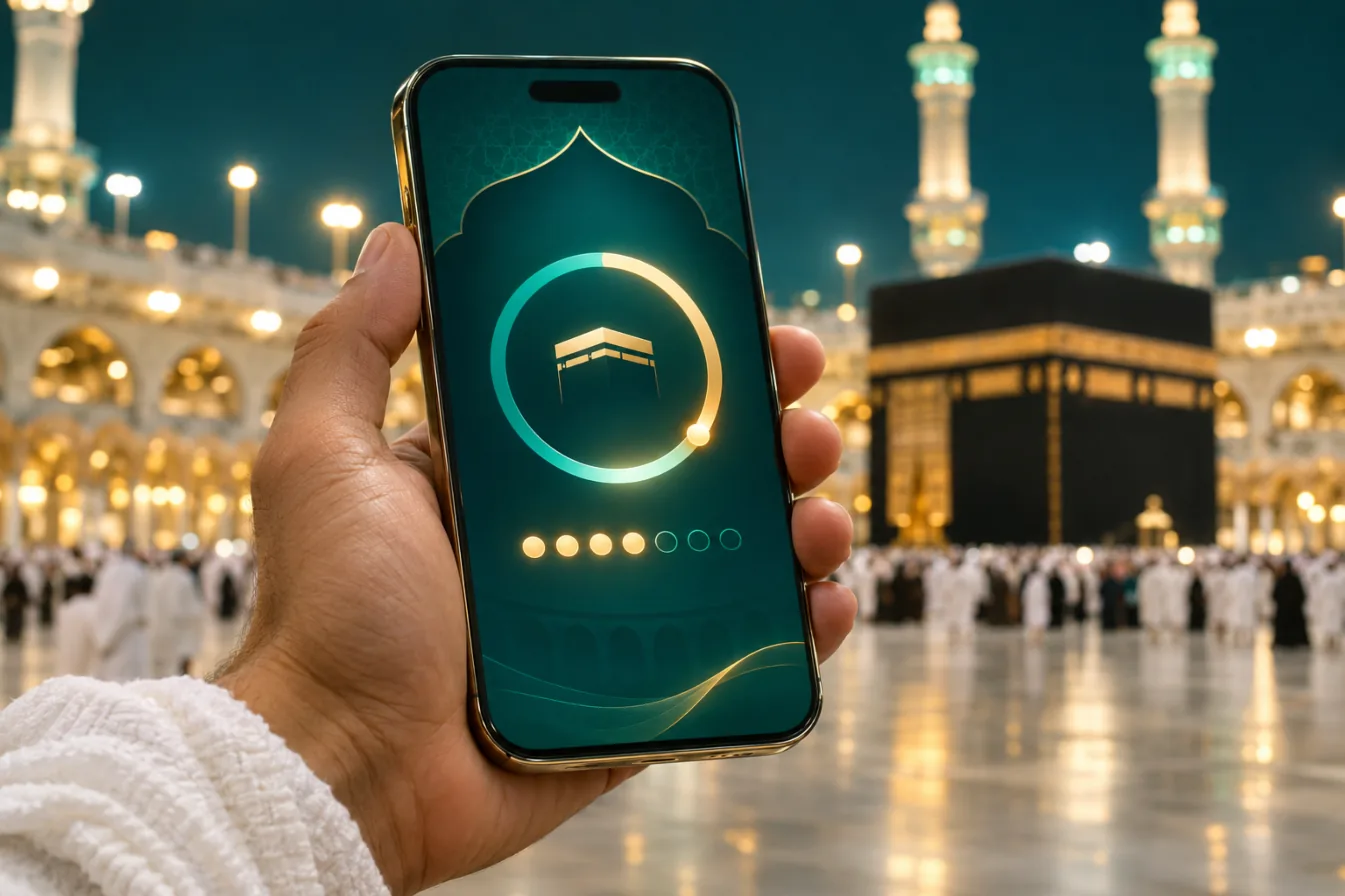
What the Nusuk app is used for
- Umrah permits — a time slot for performing Umrah at Masjid al-Haram.
- Rawdah visits — a permit to pray in the Rawdah in Madinah, with separate times for men and women.
- Your profile — your passport and visa details, plus family members travelling with you.
- Information — maps, services and announcements for pilgrims.
How to set up the Nusuk app
Download the official app
Install Nusuk from your phone’s official app store. Check the publisher before you download.
Create your account
Register with your email or phone number and choose a secure password.
Add your passport and visa
Enter your details exactly as they appear on your passport. Your visa usually needs to be issued first.
Add family members
Add your spouse, children or parents as companions so you can book permits for everyone together.
Book your permits
Choose Umrah or Rawdah, pick a date and time slot, and save the permit with its QR code.
Booking an Umrah permit
Choose a slot that matches when you expect to arrive in Makkah, allowing time for your flight, transfer and check-in. If plans change, you can usually cancel and rebook. Keep the permit and its QR code on your phone, with a screenshot in case the signal is weak.
Booking a Rawdah visit
Rawdah slots are popular and are often released for limited periods. Check the app regularly once your visa is issued, and be aware that limits on how often each person can book may apply. Arrive at the indicated gate early and follow the staff directions. Our Madinah Ziyarat guide explains etiquette for visiting the Prophet’s Mosque ﷺ.
Common problems and fixes
- Visa not recognised — check that your passport number matches exactly and wait until your visa is fully issued.
- No slots showing — try a different date or time, and check again later as new slots are released.
- Login issues — reset your password and confirm you are using the official Nusuk app, not a look-alike.
Travelling with a group or elderly parents
If you travel with a group, ask your group leader whether permits will be booked centrally or individually, so nobody books twice. For elderly parents who are not comfortable with smartphones, book their permits from your own profile, print a copy of each QR code and keep it in their travel wallet with their hotel card. Plan your Umrah slot for a cooler, quieter time of day where you can.
For other preparation, see our documents checklist and our free Umrah trip planner.
Finally, remember that the Nusuk app is updated regularly, and menus or features may look different from the descriptions here. If something has changed, follow the in-app instructions, and let us know through our contact page so we can update this article for other pilgrims.
Nusuk app: frequently asked questions
Do I need the Nusuk app for Umrah?
Pilgrims are generally required to hold an Umrah permit, which is booked through Nusuk. Check the latest rules before you travel.
Can I book permits for my children?
Yes. Add them as family members in your profile and book them with you.
Will you book Nusuk permits for me?
Where your proposal includes it, we can help. Tick Rawdah permit help in the quote form.
Related articles
Want help with permits?
Tell us your dates and we can include Nusuk and Rawdah permit support in your proposal.