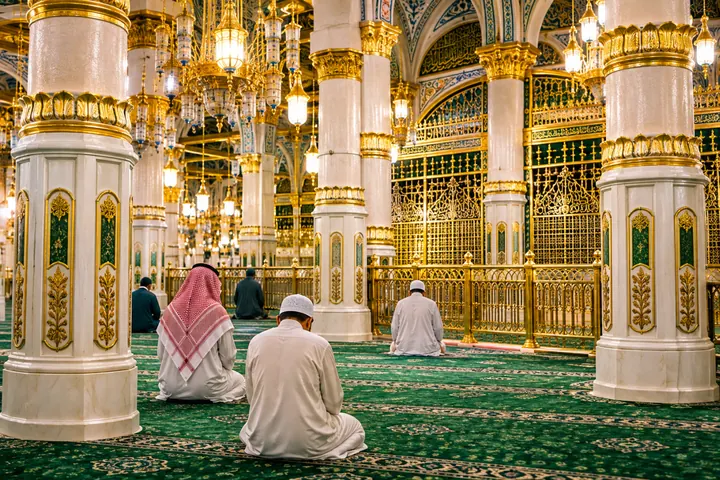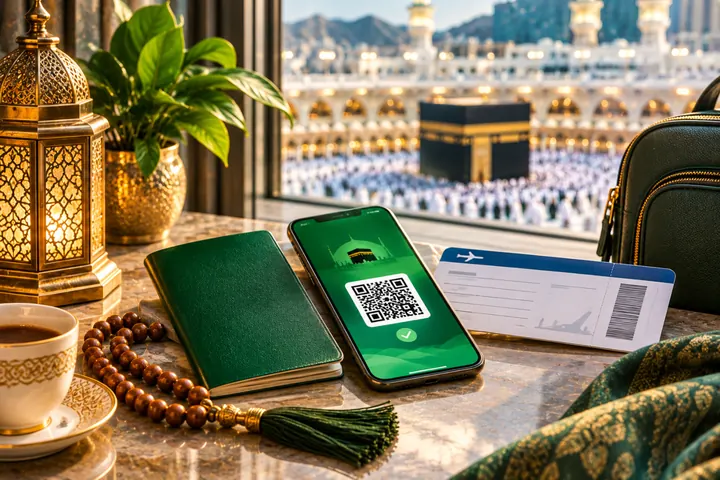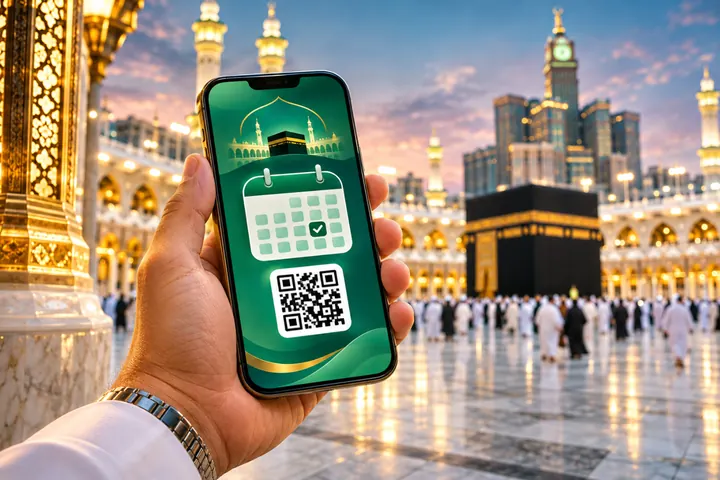
The Nusuk app is now the official front door to Umrah. Whether you travel on a tourist eVisa, a dedicated Umrah visa, as a GCC citizen or as a resident of Saudi Arabia, you will almost certainly use it to receive or book the permit that lets you perform Umrah at Masjid al-Haram, and to request a slot to pray in the Rawdah in Madinah.
This guide walks you through the app step by step, from creating an account to showing your permit at the Haram. Screens and menus are updated from time to time, so if something looks different, follow the same logic and check the official platform for the latest instructions.
What the Nusuk app is and why it matters
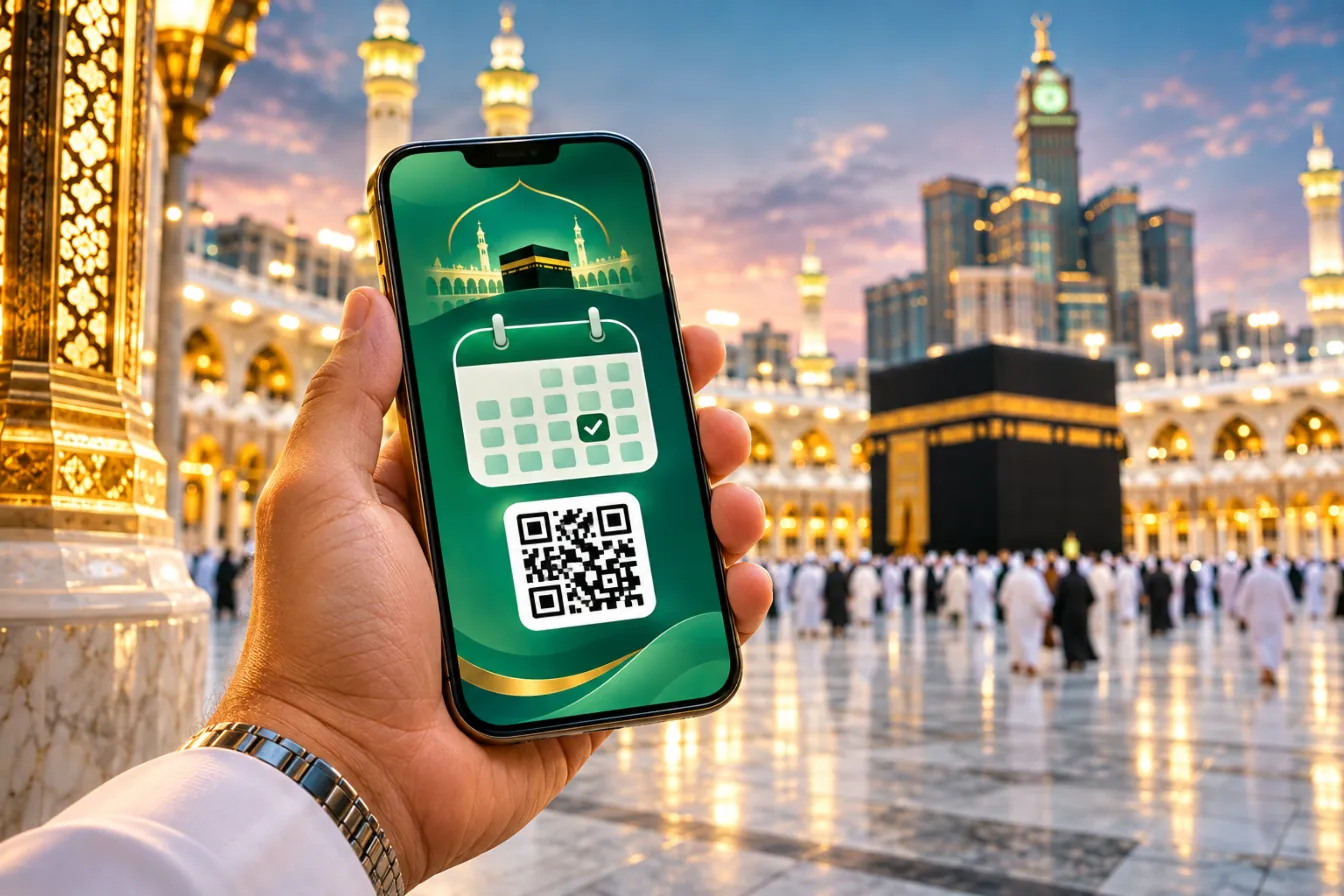
Nusuk is the official platform of the Saudi Ministry of Hajj and Umrah. It replaced older services such as the Eatmarna app and brought permits, information and bookings together in one place. The authorities use it to spread visitors across the day and protect pilgrims from dangerous overcrowding.
For a pilgrim, the Nusuk app answers one simple question: when may I perform Umrah? The visa gets you into the country, while the permit in Nusuk gives you a date and a time window at Masjid al-Haram. The official Nusuk website carries the same services and the current rules.
What you can do in the Nusuk app
The app has grown into a broad pilgrimage platform. Not every service is available to every user, and features vary by country and season, but these are the ones pilgrims use most.
| Service | Who uses it | When to book |
|---|---|---|
| Umrah permit | Every pilgrim performing Umrah | After your visa is issued, before arriving in Makkah |
| Rawdah permit | Visitors who wish to pray in the Rawdah | As soon as your Madinah dates are fixed |
| Umrah packages | Pilgrims booking with licensed providers | Weeks or months ahead, especially for Ramadan |
| Hotels and transport | Independent travellers | Alongside flights |
| Hajj registration | Pilgrims from countries served directly by Nusuk Hajj | When registration opens for the season |
| Guidance and maps | All visitors | Any time |
For a short summary of the app, see our help page on using the Nusuk app. This article goes deeper into the permit process itself.
Who needs a permit in the Nusuk app?
In practice, almost everyone performing Umrah needs a permit, whatever their visa. How you register depends on your status.
Pilgrims on a tourist eVisa or an Umrah visa register with their passport and visa details. In recent seasons, a permit has sometimes appeared automatically after the visa is issued; if not, you book a slot yourself. Our Umrah visa options page explains the visa side.
Citizens of Gulf states can enter Saudi Arabia without a visa. They register in the Nusuk app with their identity details and book an Umrah permit before entering Makkah.
Residents and citizens of Saudi Arabia book through Nusuk using their national ID or iqama. Their permits may also appear in the Tawakkalna app, which is linked to government records.
If you have not yet chosen a visa, read our full guide to the Umrah visa in 2027 first. The visa you hold decides which details the Nusuk app asks for.
Tailored quoteTell us your dates, city and hotel preferencesOne short form, a personalised Umrah or Hajj proposal from our travel team — no obligation.Request my quote →Registering in the Nusuk app step by step
Registration takes a few minutes if your documents are ready. Do it at home, on good Wi-Fi, rather than at the airport.
Download the official app
Install Nusuk from the official Apple App Store or Google Play listing published by the Ministry of Hajj and Umrah. Avoid look-alike apps with similar names.
Choose your language and user type
Select English or your preferred language, then choose whether you are a visitor, a GCC citizen or a resident.
Create your account
Register with your email address or mobile number and confirm it with the one-time code. Use a number you will have access to while travelling.
Enter your passport and visa details
Type your passport number, nationality and visa number exactly as issued. Small typing errors are the most common cause of problems.
Add companions
Add your spouse, children or parents as dependants or companions so you can manage their permits together.
Book or confirm your Umrah permit
Open the permits section, choose Umrah, select your date and time window and confirm for each traveller.
Save the permit
Open the issued permit, check every name and date, and take a screenshot of the QR code as a backup.
Keep copies of the documents you used to register. Our documents checklist lists everything you are likely to need, from passport scans to vaccination certificates.
Booking your Umrah permit in the Nusuk app
The Umrah permit is the heart of the Nusuk app. It shows the date and time window during which you are expected to begin your Umrah at Masjid al-Haram.
Choosing the right date and time
Pick a slot that gives you time to arrive, check in and rest if you need to. If you land in Jeddah in the morning, an afternoon or evening slot is often more realistic than one just after landing. Pilgrims arriving from Madinah should allow for the journey and for entering ihram at Dhul Hulayfah.
Slots for Ramadan, school holidays and Fridays fill quickly. Book as soon as your travel dates are fixed. If your plans change, use the app to cancel or move the permit so the slot can be released for someone else.
Using the trip planner alongside Nusuk
Before you book a permit, it helps to sketch the whole trip: arrival, nights in Makkah, the journey to Madinah and your return. The planner below gives you a day-by-day outline that you can then match to slots in the Nusuk app.
Umrah trip planner
Choose your nights and order of cities to get a day-by-day outline.
لَبَّيْكَ اللَّهُمَّ عُمْرَةً
Labbayk Allahumma ‘umrah.
Here I am, O Allah, for Umrah.
Source: MuslimPermits at peak times
During Ramadan, and especially in the last ten nights, demand for Umrah permits is at its highest. Many pilgrims choose a late-night or early-morning slot, which is often calmer and more comfortable in warm weather. If you are flexible, look at several days at once in the Nusuk app rather than fixing on a single date.
Fridays, public holidays in the Gulf and the winter school holidays are also busy. Pilgrims who perform Umrah on the day of arrival should leave a generous margin between landing and their permit window, because immigration queues, luggage collection and the drive from Jeddah can all take longer than expected.
Performing more than one Umrah
Some pilgrims wish to perform a further Umrah during their stay, for example on behalf of a deceased parent. Each Umrah generally needs its own permit, and the Nusuk app may limit how soon you can book another. Scholars differ on how often it is recommended to repeat Umrah in a single trip, so many people prefer to spend extra time in tawaf and prayer instead. Ask a scholar you trust if you are unsure.
Adding family members and children
Families can manage permits from one account. The lead traveller usually adds each person with their own passport and visa details, then books the same slot for everyone so the family can enter together.
Spouses
Add your spouse as a companion with their own passport and visa details. Check that the names match their documents exactly.
Children
Children usually need their own entry linked to a parent. Have birth certificates to hand in case names differ between parent and child.
Elderly parents
Manage their permits from your phone so they do not need to handle the app themselves, and keep a printed copy in their pocket.
If you are travelling with a group, your group leader or provider may manage permits for everyone. Ask them to share each permit with you, so you are not stranded if you become separated.
FamiliesFamily Umrah, planned around your childrenConnecting rooms, buggies, school-holiday dates and a calmer pace — tell us who is travelling.Plan a family trip →Common Nusuk app problems and how to fix them
Most issues with the Nusuk app have simple causes. Try these fixes before you contact support.
- The one-time code does not arrive. Check the number or email, wait a few minutes, and try again on a stable connection. Roaming settings sometimes block SMS messages.
- Visa not recognised. Your visa may still be processing, or a detail may be mistyped. Re-enter the passport and visa numbers carefully, then try again later.
- No slots available. Check other times of day and nearby dates. New slots are often released over time, so look again later.
- Name mismatch. If a name is wrong, correct it in your profile where possible, or contact support before you travel.
- The app will not load. Update to the latest version, restart your phone and check your connection. A local SIM or eSIM helps in Saudi Arabia.
- Lost access to your account. Use the account recovery option with the email or number you registered with.
A quick pre-flight check
Two or three days before you fly, open the Nusuk app and run through this short check for every traveller in your party.
- Each person appears in the account with the correct name, passport and visa details.
- Every Umrah permit shows the right date and time window for your arrival.
- Rawdah requests are made, or you have a note of when new slots are usually released.
- Screenshots of each permit are saved in an offline album on at least two phones.
- The app is updated to the latest version and you can log in without a new code.
This takes ten minutes and prevents most of the stressful moments pilgrims describe at the Haram gates. If anything looks wrong, you still have time to correct it from home.
Keeping your account secure
Your Nusuk app account holds passport and visa details for your whole family, so treat it like a banking app. Use a strong password, do not share one-time codes with anyone who calls or messages you, and log out if you use a shared device. Genuine staff will never ask for your password.
Tips for using the Nusuk app in Makkah and Madinah
Once you arrive, the Nusuk app becomes a daily companion. These habits make it work smoothly.
- Charge before every visit. Carry a small power bank, as the app, maps and your counter all use battery.
- Arrive within your window. Head to the Haram close to your permit time and allow for walking from your hotel.
- Follow staff directions. Entry routes to the mataf can change during the day. Stewards will tell you which gate or level to use.
- Book Madinah early. Rawdah slots are limited, so request them as soon as your Madinah dates are fixed. Our guide to Rawdah booking in Nusuk walks you through it.
- Cancel if plans change. Releasing a slot you cannot use is a small kindness to another pilgrim.
The Nusuk app is a tool, not the point of the journey. Once your permit is sorted, put your phone away during tawaf and sa‘i and focus on your worship. Our guide to how to perform Umrah explains the rites step by step.
Booking through us
When we arrange your trip, we help you set up the Nusuk app for each traveller and plan permits around your flights and hotels. Our booking terms and conditions explain what we arrange on your behalf and what remains your responsibility, such as keeping your own login secure. To start, simply request a quote with your dates.
MadinahAdd Madinah to your UmrahNights near Masjid an-Nabawi, Rawdah permits and ziyarat — we include it in your proposal.Madinah city guide →Nusuk app: frequently asked questions
Is the Nusuk app free to use?
The app itself is free to download. Umrah and Rawdah permits have generally been issued without charge, though packages and services booked through the platform are paid.
Do I need the Nusuk app if I travel with an agent?
Usually yes, or your agent will manage permits for you. Either way, ask for a copy of each permit so you can show it at the Haram.
Does every family member need an Umrah permit?
In general, yes. Each traveller, including children, normally has their own permit, which can be managed from one account.
Can I change the time of my Umrah permit?
In most cases you can cancel and rebook a permit in the app, subject to availability. Do this as early as possible if your plans change.
What if I miss my permit time?
Check the app for the current rules and book a new slot if needed. Staff at the Haram can also advise you on the day.
Can I book a Rawdah visit in the Nusuk app?
Yes. Rawdah permits are requested through Nusuk, with separate times for men and women. Slots are limited, so book early.
Is Nusuk the same as Tawakkalna?
No. Nusuk is the Ministry of Hajj and Umrah platform. Tawakkalna is a separate government app used mainly by residents, and some permits may appear in both.
Let us handle permits, hotels and timings
Tell us your dates and who is travelling, and we will plan your Umrah around your flights and Nusuk permits.